Transcripts for interviews, lectures, meetings and more
The recordings people write down most, and how to get a clean transcript from each.
-

Upload a focus group recording and get a timestamped transcript with speakers separated, ready to check, code and quote.
Tip Seat participants in a circle with a single microphone in the middle, and ask people to speak one at a time.
-
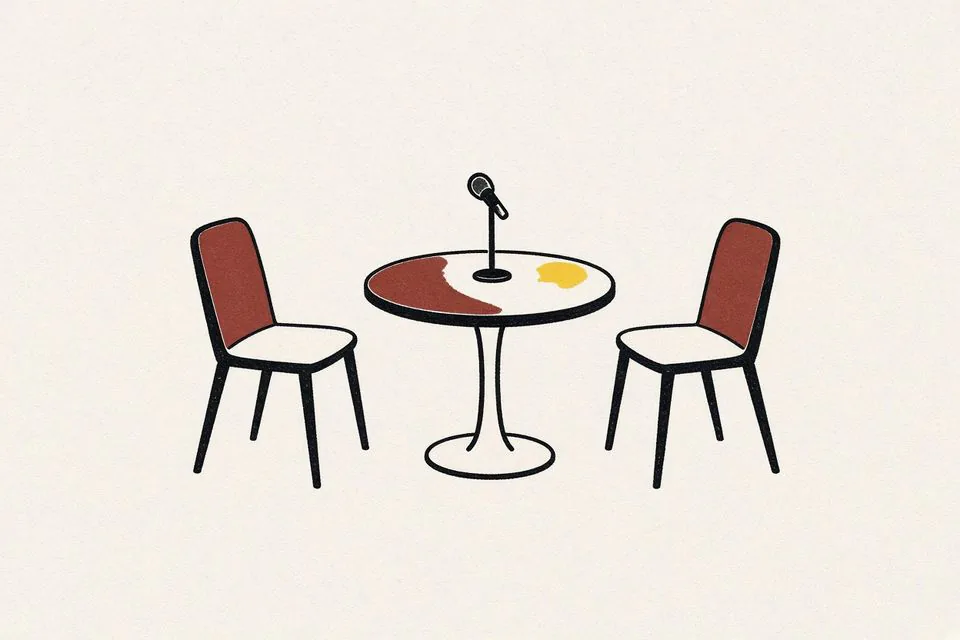
Upload an interview recording and get a transcript with speaker labels and timestamps, ready to check against the audio and quote from.
Tip Put the recorder or phone close to the guest, not between you and them, so the quieter voice is not lost.
-

Upload a lecture recording and get a searchable transcript with timestamps, plus AI notes you can use to review the material.
Tip Sit near the front and place the recorder on the desk, not in a bag, so the lecturer is louder than the room.
-
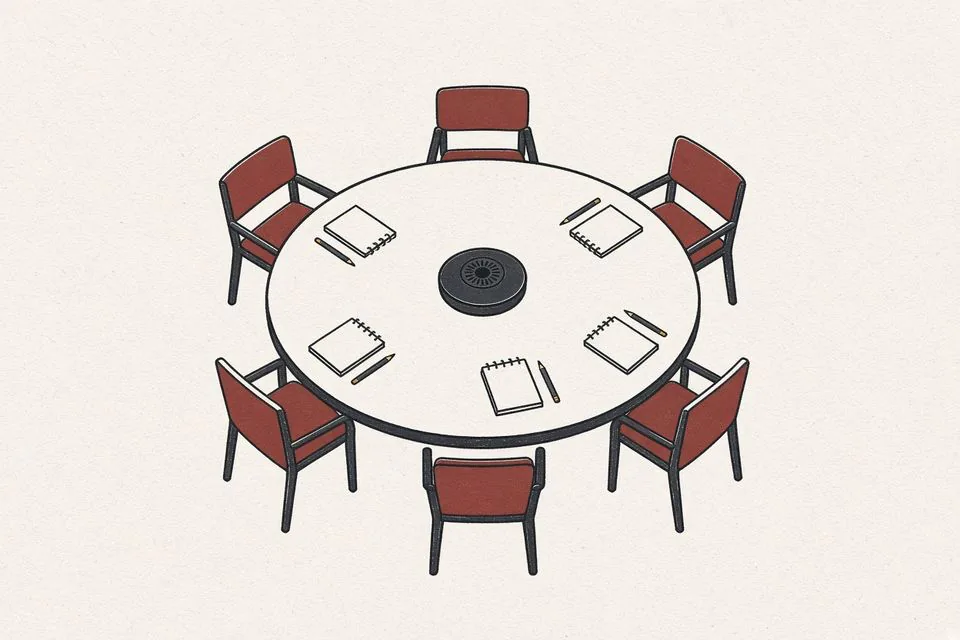
Upload a meeting recording and get a transcript with speakers separated, plus AI notes that list what was discussed and decided.
Tip Tell attendees the meeting is being recorded, and follow your organisation's rules on consent.
-
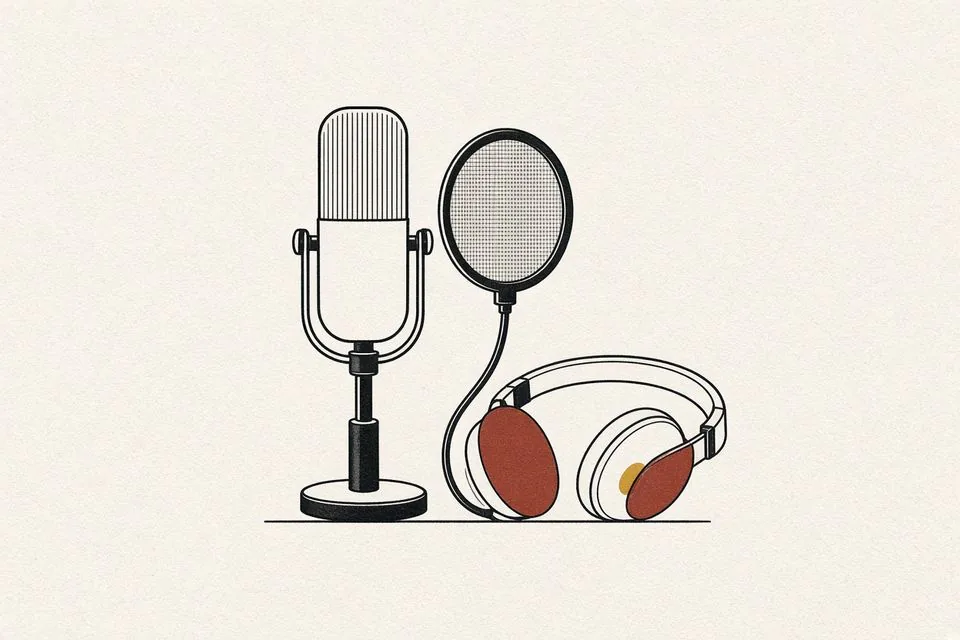
Upload your episode and get a transcript with speaker labels and timestamps for show notes, captions and a searchable archive.
Tip Transcribe the finished mix so the text matches what listeners will actually hear.
-
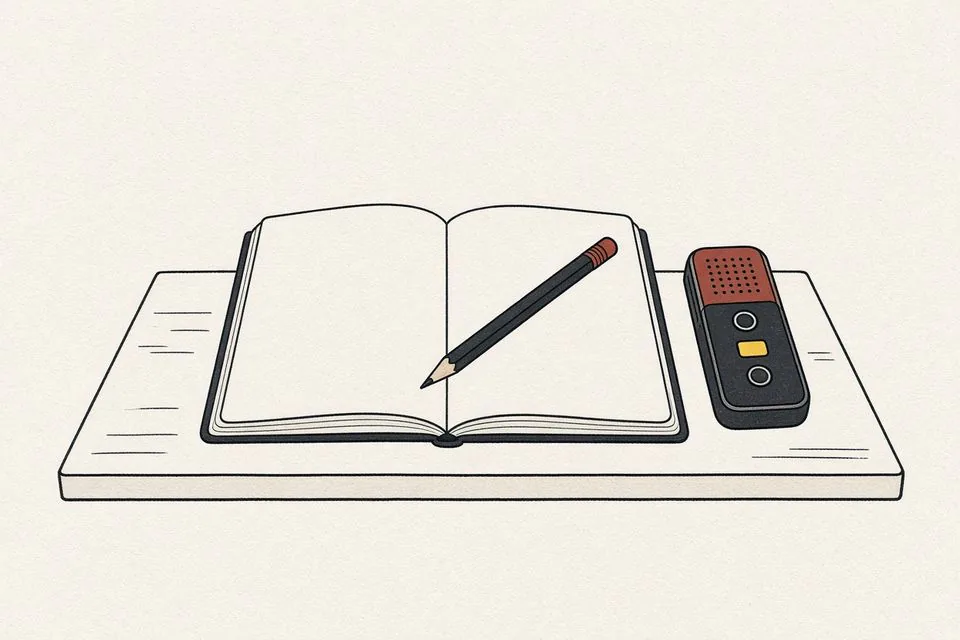
Upload your fieldwork recordings and get timestamped transcripts with speaker labels that you can correct, export and bring into your coding workflow.
Tip Name files with a participant code, not a real name, so transcripts match your data management plan.
-

Upload a sermon recording and get a transcript you can edit for a bulletin, a study guide or captions on the recorded service.
Tip Record from the sound desk feed if there is one; a phone at the back of a large hall picks up echo.
-
Upload your own video file, correct the transcript, and export an SRT or VTT subtitle file to upload with the video.
Tip Upload the final edit, not an earlier cut, so the timing matches what viewers will see.
Not listed here?
Any recording with speech works the same way: upload it, choose the spoken language, then check the transcript against the audio. Free includes a few transcriptions a day.
Start free