How to transcribe a recorded podcast episode
A calm workflow for podcasters: upload a finished episode, check speakers, and export a transcript and subtitles.
Filed under
On this page
A finished episode is easier to transcribe than a raw session. Wait until the edit is locked, export one file, and treat the transcript as a first draft you will check. This guide is for hosts and producers who already have the recording on disk and need a readable transcript, optional subtitles, and a way to hand the text to an editor or a guest.
Scribewren does not join calls or transcribe live. Save the episode, then upload the file. There is no import from a link or a cloud drive.
Export one file before you upload
Pick the version listeners will hear, or the video cut if you also publish a video episode. A rough assembly full of unused takes makes checking slower and makes speaker labels harder to trust.
Decide the file before you open the browser:
- Use a single audio or video file, not a folder of stems.
- Keep the episode under the plan limit. Free accepts files up to 30 minutes. Unlimited accepts files up to 10 hours, and up to 50 files at once.
- Stay under 5 GB per file. A long stereo mix usually fits. An uncompressed video master may not. Export a smaller delivery file if the upload would be too large.
- Name the file with the show and episode number so the library title is obvious later. You can search the library by title and keep episodes in folders.
- If the episode is a video podcast, upload the video file when you want subtitles that match that cut. Audio-only is enough when you only need a text transcript.
Do not upload a file that still has music beds you plan to replace. The speech recogniser will try to write those sections as words. A clean dialogue export, with music ducked or removed for the transcript pass, is easier to edit. You can still publish the mixed master separately.
If the show records remote guests, export after you have aligned tracks and removed dead air you do not want in the public episode. Crosstalk will still appear. Plan to fix those lines in the editor rather than hoping the first pass splits every overlap perfectly.
Upload, choose the language, and name the speakers
Open the app, drag the file in, and start the transcription. You can let language detection run, or pick the language yourself from 38 languages. Pick it yourself when the episode is mostly one language and detection might latch onto a short intro in another language.
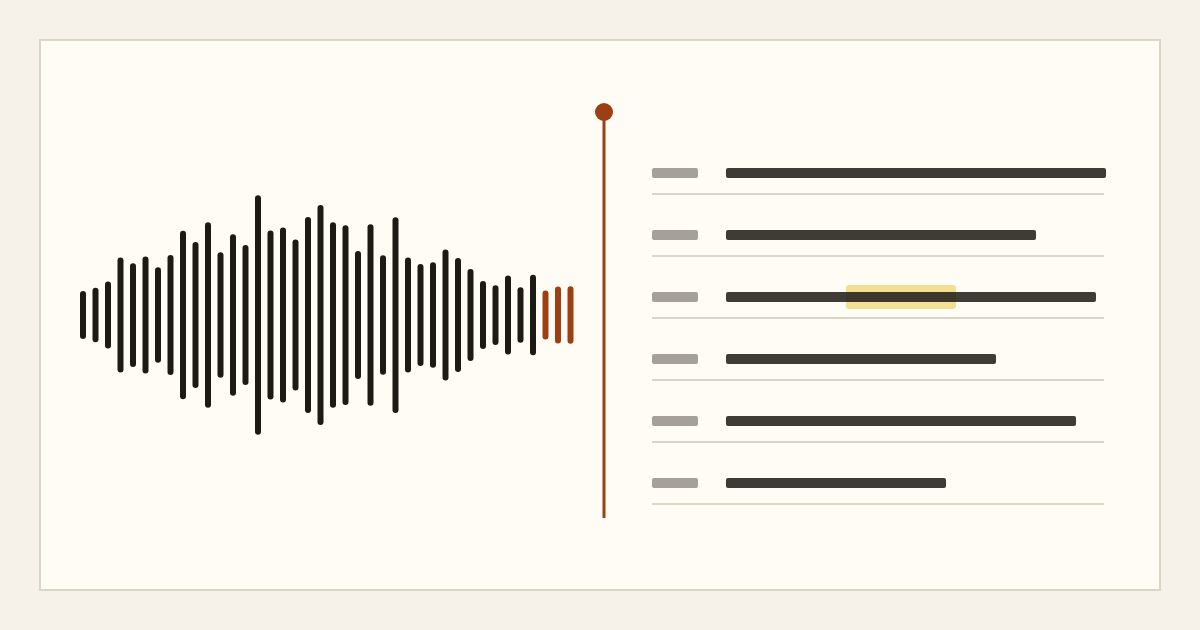
Speaker labels are on every plan. After processing, open the synced editor. Click a word to hear that moment, then rename each speaker to the name you want in exports. Do this before you copy text into show pages. Speaker 1 and Speaker 2 are fine as working labels. They are a poor public byline.
A practical rename pass:
- Play the cold open and the first minute of conversation.
- Rename the host first, then each guest, using the name you will print.
- If two people share a mic or talk over each other, listen to a few overlaps and correct the label on the wrong lines.
- Use find in the transcript to catch a misspelled guest name before it spreads through the file.
- Leave music stings and room tone as short notes you will delete or mark, rather than as fake speech.
Free allows 3 transcriptions a day. If you produce a daily show longer than 30 minutes, or you batch a season, Unlimited is the plan that matches that volume. Unlimited transcription is subject to fair use. Billing can be monthly or yearly. The file length, batch size, note, translation, and question limits are the same on both Unlimited billing periods.
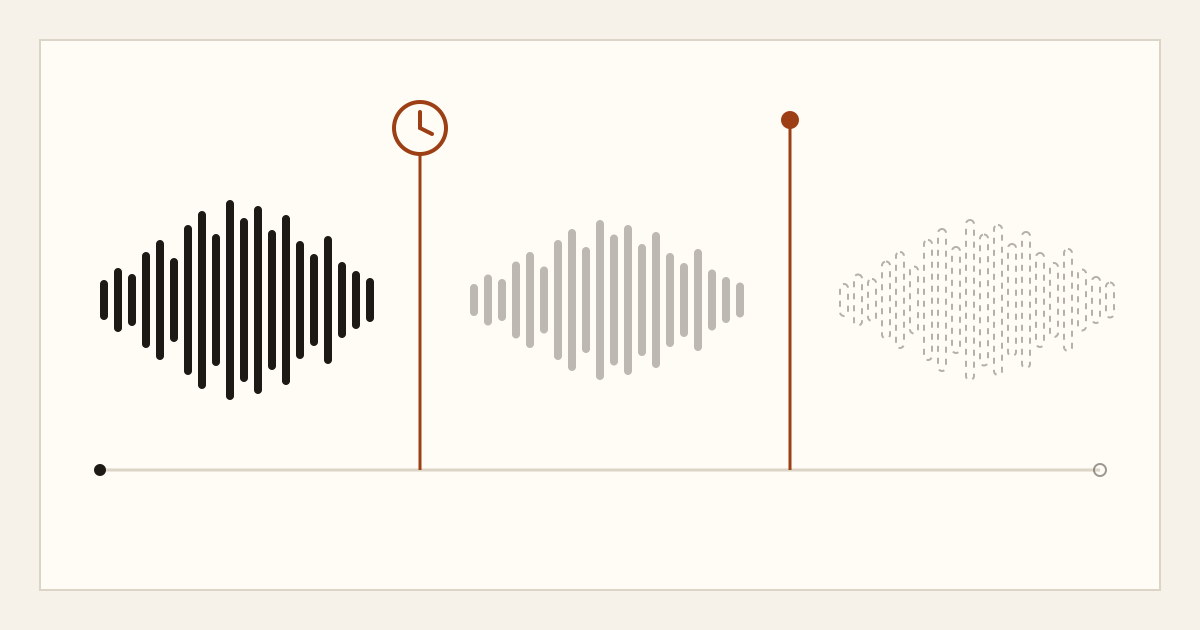
Original uploads are deleted within 24 hours after processing finishes. A compressed playback copy stays so you can check the text: 7 days on Free, 90 days on Unlimited. Transcripts stay until you delete them. You can delete a transcript and its audio at any time. Recordings and transcripts are not used to train models. Audio is processed by a third-party speech recognition provider under a zero data retention agreement.
If the episode includes a consultation, a legal matter, or other regulated material, follow your own professional and legal obligations before you upload or share anything. This post is not legal advice.
Check names, numbers, and quotes against the audio
Treat the transcript as a strong first draft. It is not perfectly accurate. Names, numbers, and quotes are the lines most likely to be wrong, and they are the lines readers quote back.
Work in this order so you do not reread the whole episode twice:
- Proper nouns. Show name, guest name, company, book title, neighborhood. Search for likely misspellings.
- Numbers. Prices, dates, episode numbers, statistics the guest stated. Play each one. Do not invent a correction from memory.
- Quotes you might pull. If a line will appear on the site or in a clip description, listen to that span and match the words.
- Filler and false starts. Delete or tighten only where your style guide allows. Some shows keep fillers because they match the host's voice. Decide once and apply it across the episode.
- Crosstalk. Split or rewrite overlapping lines so a reader can tell who finished the thought. Keep the meaning. Do not polish a guest into a sentence they did not say if you will present the text as a transcript.
Click the word, listen, edit, move on. The synced editor is built for that loop. If you only read the text, you will miss dropped words that still sound right on the page.
A short checklist before you export:
- Every speaker has a real name.
- The episode title in the library matches the published title.
- Intro and outro sponsorship reads are either included on purpose or removed on purpose.
- No line still says something you would not want on a public page.
Export the formats the episode actually needs
You do not need every format for every episode. Pick the ones that match the publish step.
Exports are TXT, DOCX, PDF, and SRT and VTT subtitles. You can include timestamps and speaker labels when you want them.
- TXT or DOCX for the person who writes the episode page. Timestamps help them jump back to a moment. Speaker labels help when more than one person talks.
- PDF when a guest or a network partner wants a fixed copy to read, not to edit.
- SRT or VTT when the episode is also a video. Generate subtitles from the checked transcript so names you fixed are the names on screen. Still spot-check the first minute and any dense exchange. Line breaks for reading are a separate pass from fixing words.
A public read-only share link is useful when an editor or a guest should read the transcript without an account. One active link per transcript. Revoke it when the review is done. Do not treat a share link as a private channel. Send it only to people who should see the text.
If you publish in more than one language, translation of a finished transcript is on Unlimited, into 116 languages, up to 50 translations a day. Translate after the check, not before. A translation will carry forward a wrong name. Free does not include translation.
Notes, questions, and handoff
AI notes are generated on demand from the transcript. Every plan can generate a summary. Free includes 3 summary generations a day. Unlimited includes 200 AI note generations a day, and those can be a summary, chapters, or action items.
Use a summary as a starting outline for the person writing the episode description. Use chapters on Unlimited when you want time ranges for a chapter list. Read both against the audio before you publish them. A chapter title that misstates a guest's point is worse than no chapter list.
Ask your transcript answers questions from that transcript's text. Free includes 10 questions a day. Unlimited includes 200. It is a way to find where a topic was discussed, not a substitute for listening when the answer will be quoted.
A simple handoff for a weekly show:
- Producer uploads the locked file and renames speakers.
- Host or producer checks names, numbers, and any line that will be quoted.
- Export DOCX with speakers and timestamps for the writer, and SRT or VTT if there is video.
- Generate a summary, and chapters if the plan includes them, then edit those notes before they go on the site.
- Revoke the share link after review. Delete the transcript later if your retention practice says the text should not remain.
Playback audio will not stay forever. If you still need to hear a word after the retention window, keep your own master. The transcript remains until you delete it.
Producers who want this step in their own tools can use the public API and webhooks on Unlimited. The reference is in the docs. The help center is on the same site. There is no team workspace, shared seats, or single sign-on. Each person uses their own account, and you pass files or a share link between you.
The web app runs in a browser, including a mobile browser. There is no separate mobile app. Upload from a computer when the file is large.
When the next episode is locked, the same sequence applies: one file, language set on purpose, speakers named, a check against the audio, then only the exports you will use.
If you want to run an episode through that workflow, try Scribewren.