How to turn an interview recording into a checked transcript
A practical desk workflow for journalists and researchers: upload the file, label speakers, check quotes against the audio, then export or share.
Filed under
On this page
Start from the quote you may need to defend
An interview transcript is not the interview. It is a working copy of what was said, useful for notes, quotes and later review. Treat it as a strong first draft. Check names, numbers and any line you might publish or file against the audio before you rely on it.
This guide is for journalists, researchers, HR staff and anyone who records a one-to-one conversation and later needs a readable record. It assumes you already have a saved audio or video file. Scribewren does not join calls or transcribe live. Save the recording, then upload the file.
If the conversation touches employment, health, legal process or other regulated material, follow your own professional rules and the law that applies to you. This post does not give legal, medical or financial advice. A transcript does not replace consent, retention policy or editorial standards.
Before you upload, write one sentence about the job the transcript must do. Examples: pull three quotes for a story, file a research interview, or leave a readable record for a colleague who was not in the room. That sentence decides how much checking is enough.
Prepare the file so the draft is easier to check
A clean recording still needs a human pass. A messy one needs a longer one. You cannot fix overlap after the fact, but you can avoid the worst of it.
Recording habits that save editing time
- Put the microphone closer to the person who speaks less clearly, not only to yourself.
- Ask people to say their name and role at the start, slowly, once. You will use that line when you rename speakers.
- If two people talk at once, pause and ask one of them to repeat the point. Overlap is where quotes go wrong.
- Note the clock time of any number, name or disputed claim on paper. You will jump back to those moments in the editor.
- Keep one file per conversation when you can. A single long file is easier to search than three fragments with the same title.
What you can upload
In Scribewren you upload audio or video from the browser, including drag and drop, up to 5 GB per file. There is no import from a link or a cloud drive. On the Free plan, each file can be up to 30 minutes, with 3 transcriptions a day. On Unlimited, billed per month or per year, each file can be up to 10 hours, you can send up to 50 files at once, and transcription is unlimited under fair use.
Choose automatic language detection or pick the language yourself. Transcription covers 38 languages. If the interview switches language mid-way, note where, and plan a manual check of that stretch. Do not assume the draft caught the switch cleanly.
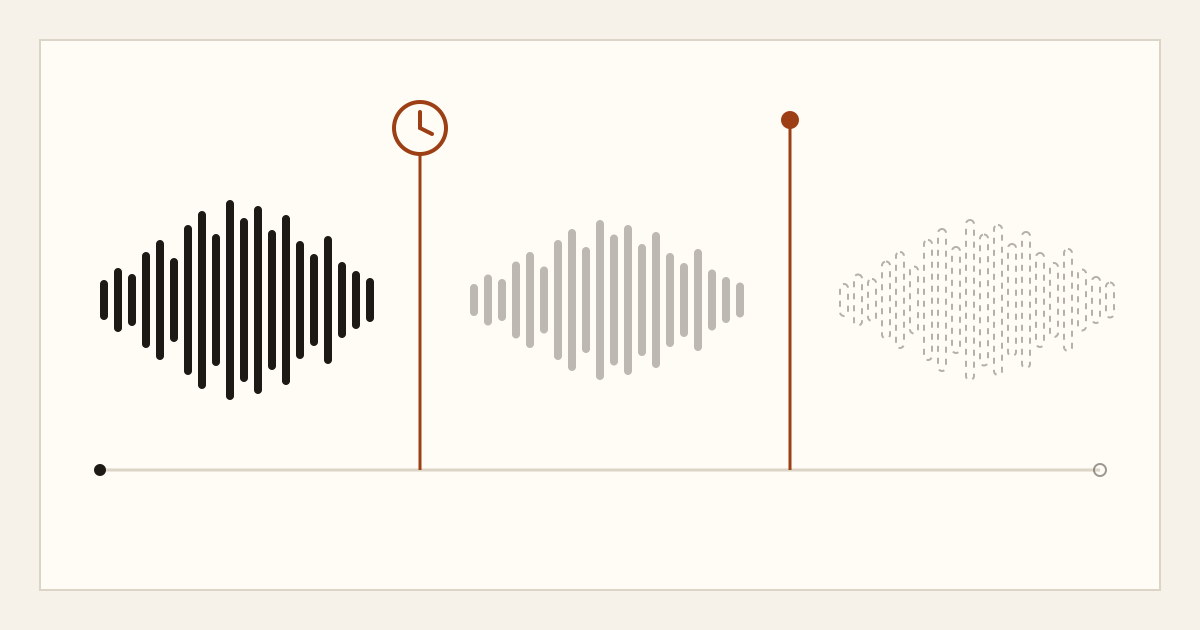
Playback is not the original file. Original uploads are deleted within 24 hours after processing finishes. A compressed playback copy is kept for 7 days on Free and 90 days on Unlimited. The transcript itself stays until you delete it. If you may need the full-quality recording later, keep your own copy outside the app.
Label speakers before you hunt for quotes
Speaker labels are on every plan. They are a starting point, not a byline. Rename them in the editor as soon as you can tell who is who.
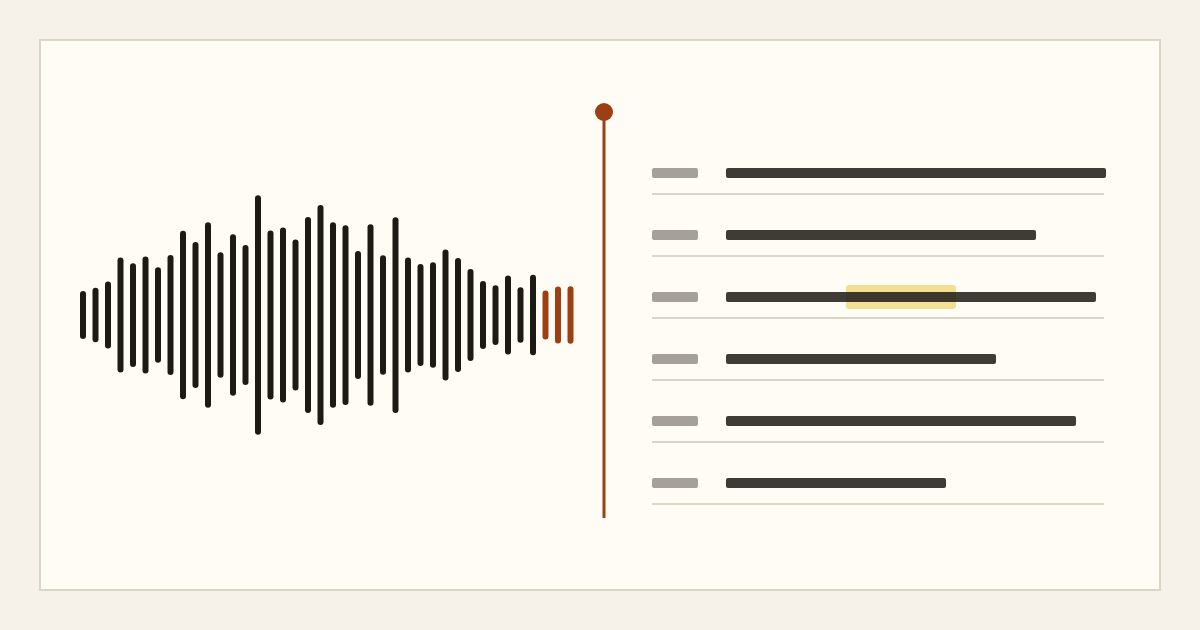
Open the synced editor and click a word to hear that moment. Listen to the opening name line, then rename each speaker. Use the name you would print, plus a role if two people share a first name: Alex Chen: and Alex Rivera: rather than Speaker 1 and Speaker 2.
Work in this order:
- Rename every speaker before you edit sentences. Labels copied into exports follow the names you set.
- Skim for places where the label flips in the middle of one person's answer. Click the word, listen, and correct the label.
- If someone off-mic speaks, either rename that stretch or mark it in your own notes as unusable for quotation.
- Use find in transcript for the names and numbers you wrote down while recording.
A short example of how a checked line should read in your notes, not as a raw dump:
Interviewer: You said the grant closed in March. Was that this year? Dana Okonkwo: March 2024. The first payment was 40,000, not 14,000.
That second number is exactly the kind of line you must hear again. The draft can swap digits. Your job is to catch that before a quote leaves your desk.
Check the draft in passes, not in one read
Read-throughs miss errors you already expect to see. Use short passes instead.
Pass 1: names and titles
Search for every proper noun. Click into the audio. Correct spelling in the editor. If you are unsure, leave a bracket note in your own document, not a guess in a line you might quote.
Pass 2: numbers, dates and quoted speech
Search for digits and words like percent, thousand, million, and yesterday. Hear each one. If the speaker corrects themselves, keep the correction and do not stitch the two versions into a smoother sentence unless your editorial rules allow it. Say so in your notes if you omit a false start.
Pass 3: meaning
Read only the lines you might use. Ask whether the sentence before and after changes the sense. A fair quote can still mislead if you cut the condition that followed it. Jump to that moment and listen to the join.
On every plan you can generate an AI summary from the transcript, up to 3 times a day on Free and 200 times a day on Unlimited. Unlimited also adds chapters and action items within that same daily count. Summaries are a map, not a source. Do not lift a quotation from a summary. Ask your transcript can answer a question from that transcript's text: 10 questions a day on Free, 200 on Unlimited. Use it to find a passage, then open the passage and listen.
Unlimited can translate a finished transcript into 116 languages, up to 50 translations a day. Translate after you have checked the source-language quotes you care about. A translation cannot be more reliable than the draft it came from. If you quote in another language, have a qualified reader compare it with the checked original.
Recordings and transcripts are not used to train AI models. Audio is processed by a third-party speech recognition provider under a zero data retention agreement. That is a privacy fact, not a promise that the words are perfect.
Export, share, and decide what to keep
When the lines you need have been heard again, export. Options are TXT, DOCX, PDF, and SRT or VTT subtitles. You can include timestamps and speaker labels. For a story or a research file, DOCX or PDF with speaker labels is usually the copy colleagues can read. SRT or VTT matters if you also need captions for a published clip. Timestamps help you jump back if someone challenges a line.
You can create one public read-only share link per transcript and revoke it. Use that only when a read-only link is appropriate. Do not treat a share link as access control for a team. Scribewren does not offer team workspaces, shared team folders, seats or single sign-on. If several people must work from the same text, export a file and handle access under your own rules.
A library with folders and title search is enough to keep interviews findable if you name files clearly. A useful title includes the person's name, the date and the outlet or project, not only "interview final".
Delete when your rules say the record should go. You can delete a transcript and its audio at any time. If you are on Free, do not wait on the 7-day playback window to finish quote checks. Download or export before that copy expires, and keep your original recording if policy requires it.
A short checklist before you close the file
- Speakers are renamed, not left as Speaker 1.
- Every name, figure and quote you might use has been heard in the editor.
- False starts and self-corrections are handled under your own editorial rules.
- The export includes speaker labels and, if you need them, timestamps.
- Your own recording is stored where your retention rules require.
- Any share link is still appropriate, or has been revoked.
- The transcript in Scribewren is deleted if it should not remain.
If you repeat this on every interview, the draft stays a draft and the quote stays something you can stand behind.
Scribewren can take the file from upload to an editable transcript with speaker labels, notes and export. You can try it at app.scribewren.com.